
Beautiful Plants For Your Interior
Beautiful Plants For Your Interior
Impulse response files are key to many musical applications. If you’re a classical violinist or play the electric violin, you already know how difficult it is to achieve a sound close to that of an acoustic violin with an electric violin or with a pickup installed on an acoustic violin. In both cases, the sound is captured directly via the bridge through a magnetic or piezoelectric pickup. The resulting sound lacks clarity, timbre, and resonance. Instrumentalists don’t like this sound! Using impulse response files can literally transform the audio signal!
It’s all about the pickup! The pickup is the part of a musical instrument that captures the vibrations of the strings and transforms them into an electrical signal transmitted to an amplification system. It’s sometimes called a ‘sensor’ in English. The pickup’s capture is direct. There’s no sound traveling through the air! Yet, it’s this sound traveling through the air that defines the sound as we hear it. This travel of waves through space details the acoustics of the elements that surround us. The pickup captures the vibrations directly from the instrument’s body and transcribes them into an electrical signal. There’s no travel through the air, which implies the disappearance of the pure acoustics of the musical instrument
In both cases, the sound is directly captured via the bridge through a magnetic or piezoelectric pickup. The sound result is very dry and almost all instrumentists do not like it!
A piezoelectric pickup contains one or more piezos. These are small sensors capable of converting vibrations into an electrical voltage. When they detect vibrations, they create an electrical signal.
A magnetic pickup generates an electrical current through the presence of magnets wrapped in a copper coil. By strumming the strings, a magnetic field is created between the magnets and the strings, generating an electrical signal.
The majority of pickups for acoustic instruments like classical guitars, violins, and cellos are piezoelectric pickups. The same goes for electric violins, which are mostly equipped with piezoelectric pickups. Magnetic pickups are quite rare on these types of instruments and are primarily used on electric guitars and basses. Although rare, there are some models based on magnetic technology. We have detailed how pickups work in a dedicated article.

This is where impulse responses come into play. First of all, note that it’s possible, with a few effects, to get closer to the acoustic sound. Algorithmic reverb, equalizer and delay are interesting effects. However, they pale in comparison to using impulse response files. These small audio IR files are the key to achieving a sound that closely resembles an acoustic one.
Creating impulse response files for such instruments is rather complex. However, their implementation in your settings is accessible to all. It’s necessary to use an external device capable of interpreting the file and combining it with your audio signal.
Simply using this small file will transform the original sound of your instrument and give it a timbre. However, it’s important to continue improving the sound with different effects. They will bring a significant enhancement. Among them, delay and equalizer are essential to use.
We offer impulse response files for violin, viola, and cello for sale on our shop. Below is a selection of IR files based on acoustic violins.
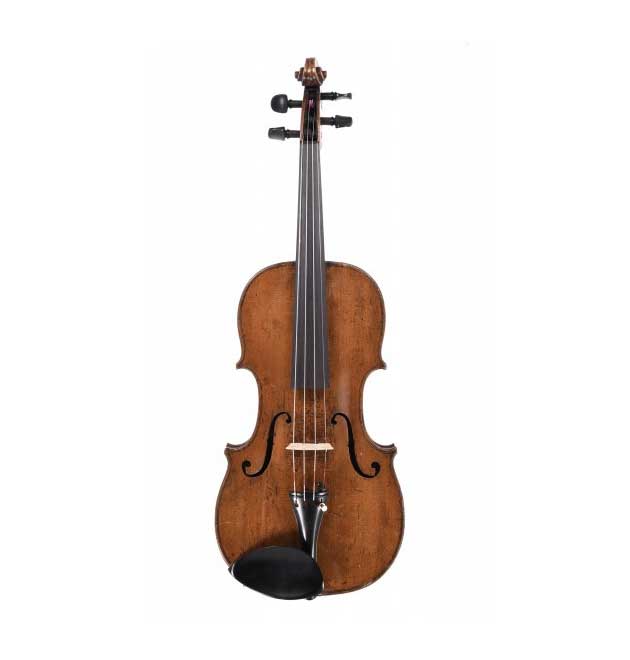


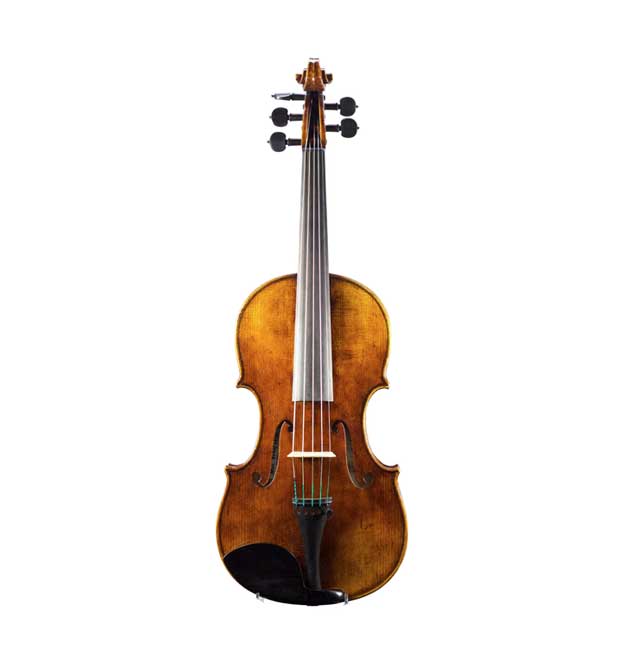
An impulse response of an acoustic instrument is an ‘audio fingerprint’ capturing the sonic characteristics of an acoustic instrument in a given environment. It’s combined into a digital audio file, typically using the .wav extension. This audio file contains all the information about the natural reverberation of the acoustic instrument in the recording space where it was captured. By applying this file to an input audio signal, you can reproduce the resonance and timbre of a violin, viola, cello, or any other acoustic instrument. Thus, if you play an electric violin, you can have an audio signal with the timbre of a classical violin.
It is common to read on the Internet that an IR file is like an EQ. This is completely false! An impulse response file is absolutely not an EQ. This statement is used to try to simplify these two elements. EQ is often known by most musicians, whereas IR is not! That’s why some people try to explain the value of IR by using the term EQ.
However the functions and processes used for an EQ and an Impulse Response are absolutely not identical. Equalization is based on Infinite Impulse Response (IIR) filters, while IR uses Finite Impulse Response (FIR) filters. We won’t dive into mathematical details, but note that EQ is not an IR. IR offers more possibilities but also requires more powerful processors to perform processing calculations. On the other hand, it is recommended to use Impulse Response and EQ in the same effects chain. If you are interested in the difference between FIR and IIR filters, please read this interesting article.
A source signal does not receive any audio treatments. It’s a raw sound. It’s dry and lacks life! But it clearly defines the sound produced by a piezoelectric pickup. The final signal using an IR file shows a real difference, it is more than noticeable! It’s extreme! It demonstrates the great interest of impulse responses for bowed string instruments.
Finally, equalizing in the presence of a signal using an impulse response is a necessary step to obtain a correct signal. Other effects can be added to improve the finesse of your signal or offer it other creative horizons.
To transform your audio signal using an Impulse Response file, you need a device with a processor to realize the calculations necessary to transform your sound. It all depends on your needs and the situation in which you want to use IRs. Different devices can be used: FX processors, IR loader, special preamps, DAW, VST plugins and more.
For live performances, you need to use an IR loader or an effects processor. In both cases, these devices must allow you to download your IR files into their memory. On the effects processor side, they’re now all compatible with 3rd party Impulse Response files (Line 6, Boss, Zoom, HeadRush, Hotone and many other brands). Check their compatibility with 3rd-party IR files in a WAV format.
As for IR loaders, these devices are designed to use Impulse Response files. Just make sure the device accepts loading third-party impulse response files! Otherwise, you’ll be stuck with the IRs provided by the manufacturer. They’re often few in number and all focused on guitars!
All DAW softwares allow the use of IR files. We need to use their convolution reverb plugins or third-party VST IR Loader plugins. You can also use the devices mentioned above and directly record their outgoing signal. It’s up to you!
Generally, IR files for acoustic instruments are positioned at the beginning of the signal chain. The reason is obvious! The much-appreciated tone of an acoustic instrument is natural. It’s always present when listening or capturing with a microphone. It seems obvious, therefore, to position the IR at the beginning of your effects chain. This isn’t the case for IRs for amps or speakers used by electric guitarists or bassists. In this case, the IR defines the sound of an amp that is at the end of the audio signal. Amp and speaker IRs are therefore preferably positioned at the end of the signal.
However, it’s entirely possible to modify these recommendations to imagine creative sounds. Everything depends on the result you’re seeking.
Absolutely not! It depends on you and solely on the sound you want to provide. Ideally, it should match what you like. If you feel that using an IR on a piece isn’t necessary, then you can set it aside. Today, the tools available to musicians offer the possibility to create a whole range of sounds for the same instrument. Save your settings and use them wisely.
The frequencies of a violin and a viola are close enough for a violin IR to work with a viola, and vice versa. Indeed, the viola is a fifth below a violin. In the case of a viola or a five-string violin, IRs also work. For a six or seven-string violin (yes, they exist in the electric domain), it will be more difficult to obtain a coherent sound on the lowest strings. The best solution is to use an impulse response adapted to their wide frequency range. These instruments cover the frequencies of both the violin and the viola, and the cello. So you will need a special Impulse Response combining these three instruments frequency ranges, and that’s why we edited a 6-string violin IR.
